As Told
Or just say it.
When typing would slow the thought down, tap the microphone and talk. No blank note to create first, no language picker, and no separate voice inbox.
- Tap
- Speak
- Keep it
One tap from Home.
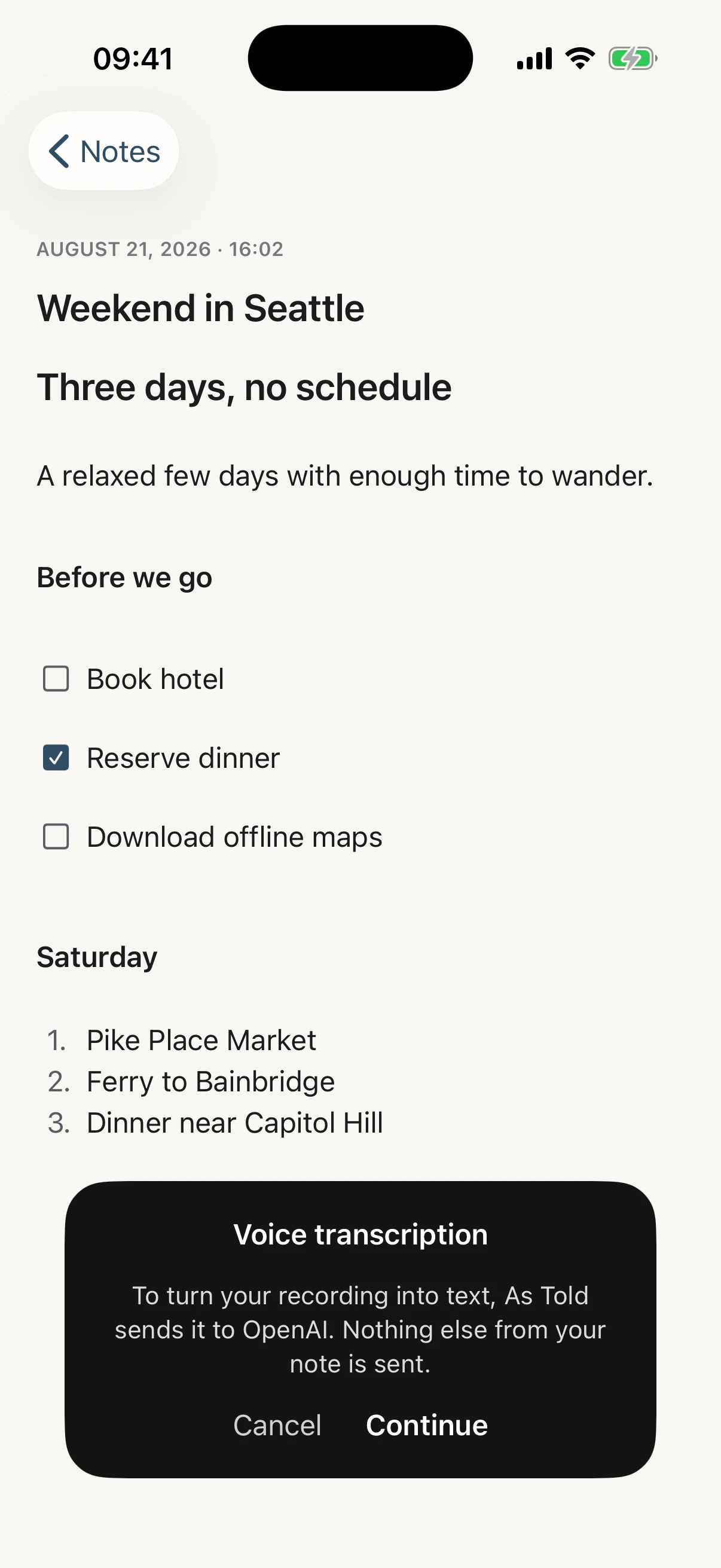
The microphone sits beside the new-note button. Tap it and As Told is already listening — no blank editor, no keyboard rising, and no note existing until there are words to put in one.
Start from Home and voice creates a new note. Start inside a note you’re already writing and the transcript arrives at the cursor — or at the end, if you were only reading.
Cancel, a declined microphone, silence, or a failure all leave your timeline exactly as it was.
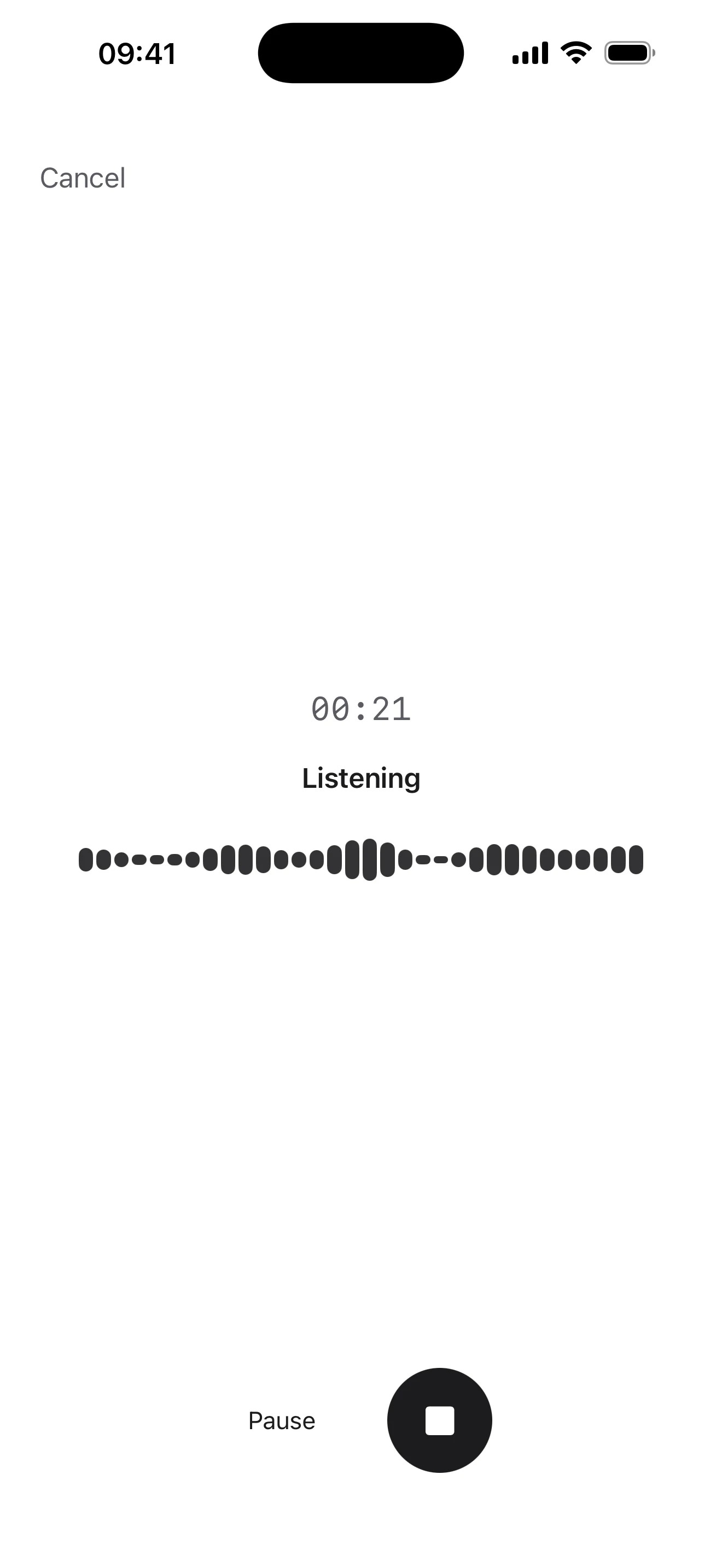
Pause. Think. Keep going.
Stop for as long as you need and pick the same recording back up. It stays one continuous recording, and only the time you were actually speaking counts.
- A call, Siri, or leaving the note finishes the recording rather than discarding it
- Backgrounding the app finishes it too, paused or not
- Plugging in headphones mid-thought does not end it
- Up to five minutes in one recording
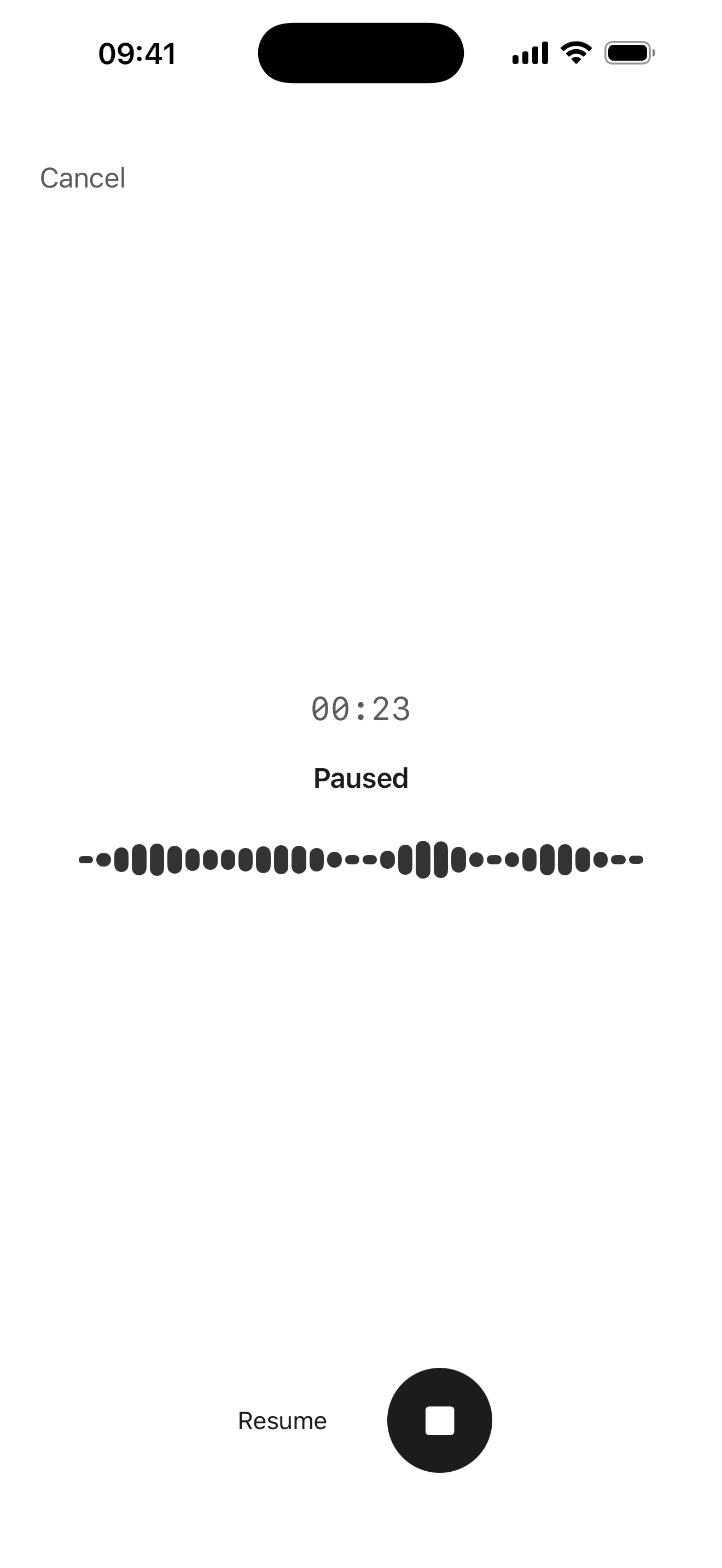
Your words become a note.
Tap Done and the recording is an ordinary note — an empty title you can fill in or leave, paragraphs you can edit, Share in the corner like any other note. It sits in your timeline beside everything you typed.
There is no separate voice-note library and no transcript screen to visit. Nothing marks the note as spoken afterwards, either — no microphone badge on the row, no Voice filter, no voice-notes folder. It is a note.
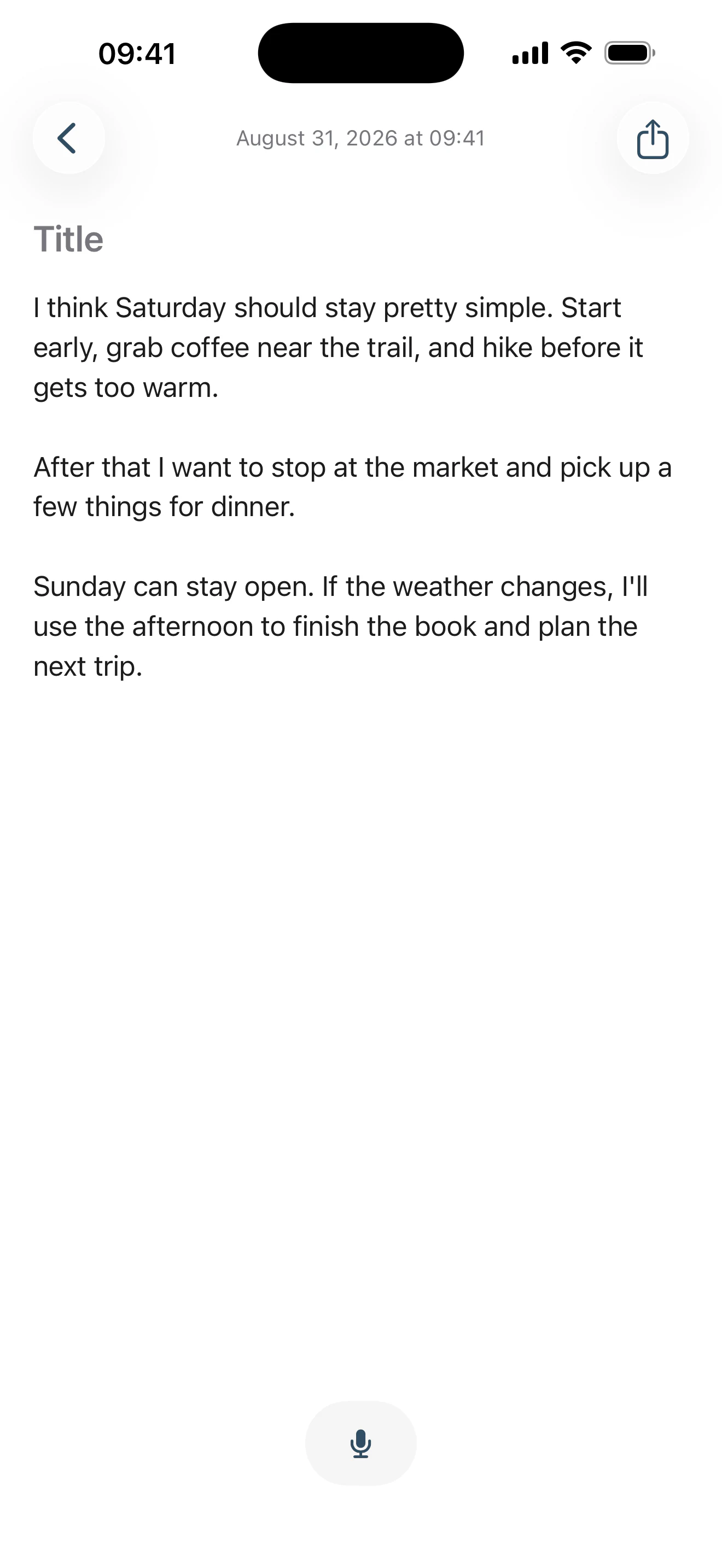
No language picker.
As Told is built for multilingual speech and natural code-switching. You don't choose a language before you start, and As Told doesn't translate what you said into a different one — speak in one language, switch in the middle of a thought, or mix them the way you normally do.
Multilingual and mixed-language voice is tested before every release. Accuracy varies with the language, the accent, the recording conditions, and how the speech is mixed.
Say the structure when you want it.
Ask for a heading, a new paragraph, a list or a checklist and the next thing you say takes that shape. Otherwise As Told keeps your words as ordinary writing.
“Heading. Japan trip.”
Japan trip
“Bullet list. Rain jacket. Next item. Camera.”
- Rain jacket
- Camera
“Checklist. Reserve hotels. Next item. Book rail passes.”
- Reserve hotels
- Book rail passes
“My checklist is getting too long.”
My checklist is getting too long.
Only a clear, standalone command counts — ordinary speech that merely mentions one of those words is left alone. A missed command is recoverable; a phantom one rewrites your note. Every command is listed in Support →
And nothing else is touched.
Punctuation, capitalization and paragraph breaks are added so a spoken thought reads like written language — and that is the whole of it. Your slang, your names, your repetitions and your filler words stay in. Nothing is tidied up, and nothing is turned into a different language on the way.
- No grammar correction
- No paraphrasing
- No summarising
- No translation
Actually I don’t know maybe we can go Saturday but if Ravi is coming then Sunday is probably better what do you think
Actually, I don’t know. Maybe we can go Saturday, but if Ravi is coming, then Sunday is probably better. What do you think?
Ravi and I should probably go on Sunday instead of Saturday.
Your words shouldn't disappear.
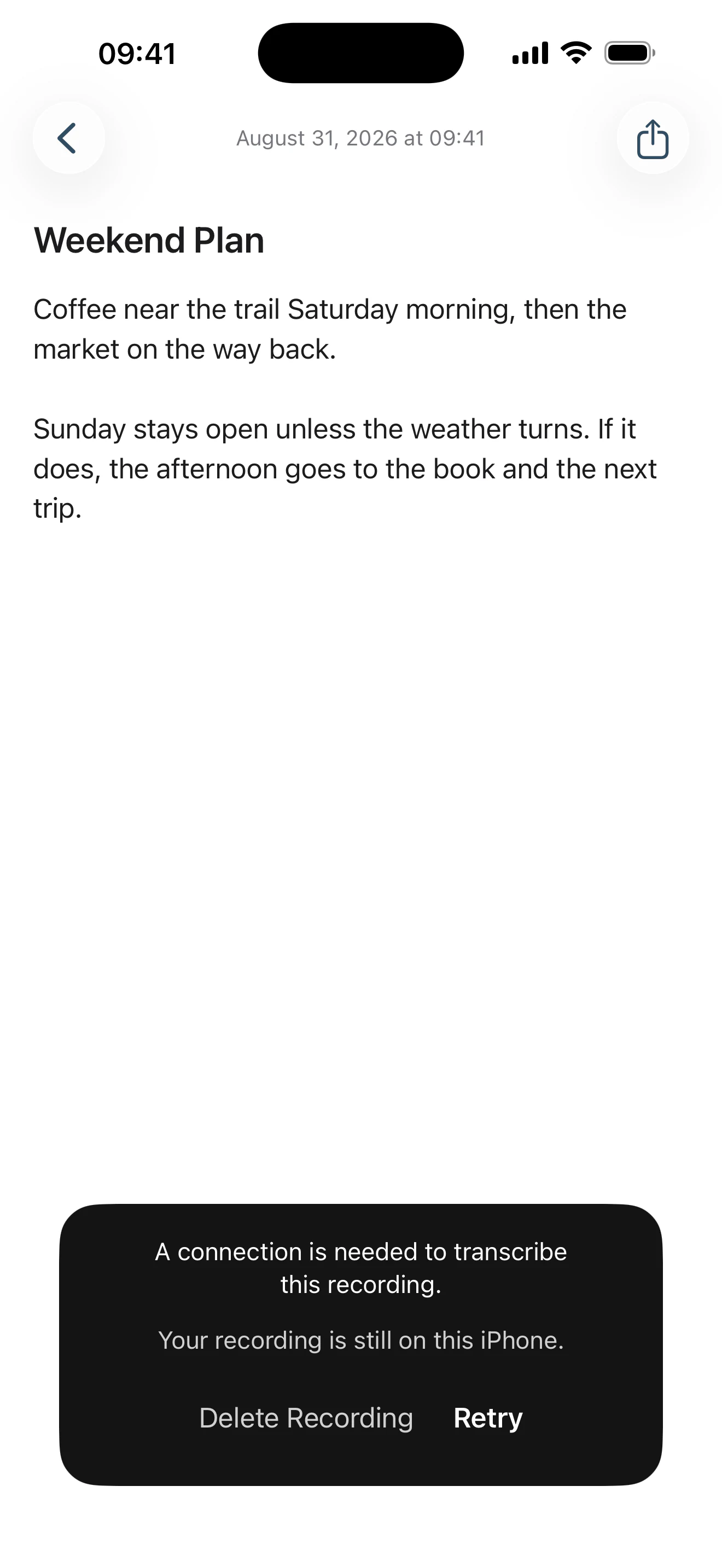
If transcription fails on a dropped connection, As Told keeps the recording on your iPhone and offers Retry or Delete Recording — so a network error is not how a thought gets lost.
If the app closes before you answer, you’re offered it once more the next time you open As Told.
Nothing is uploaded in the background while it waits. A recording kept for a retry is removed within 24 hours whether you come back to it or not, and there is still no recordings library and nothing to manage.
Your recording. Your choice.
Recording locally sends nothing. Transcription needs more computing power than a phone should spend, so when you choose it the audio goes over an encrypted connection to OpenAI, comes back as text, and is not kept.
Nothing else from your note goes with it — no title, no existing text, no search history. The first time you finish a recording, As Told says so plainly and waits for your answer. You answer once.
Read privacy →