As Told
Anything you want to put into words.
Write normally. Speak naturally. Give a note structure when you want it, and find it again by the day you wrote it — in a notes app that keeps your words exactly as you put them.
- No account
- Multilingual voice
- Face ID optional
Write it. Or just say it.
Some thoughts are easier to type. Others are easier to say. Tap the pencil to start writing, or tap the microphone and start talking straight away — no note to create first, no editor to sit through.
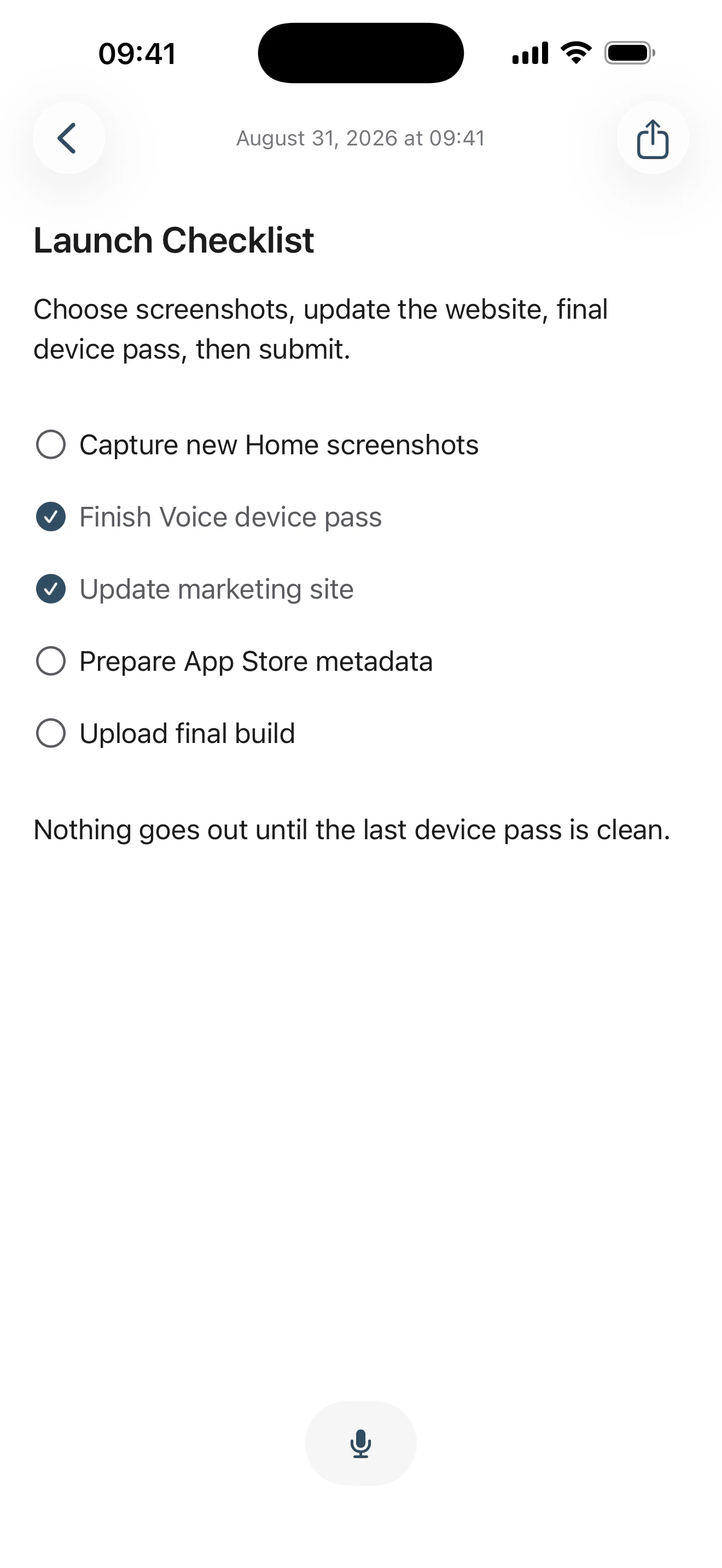
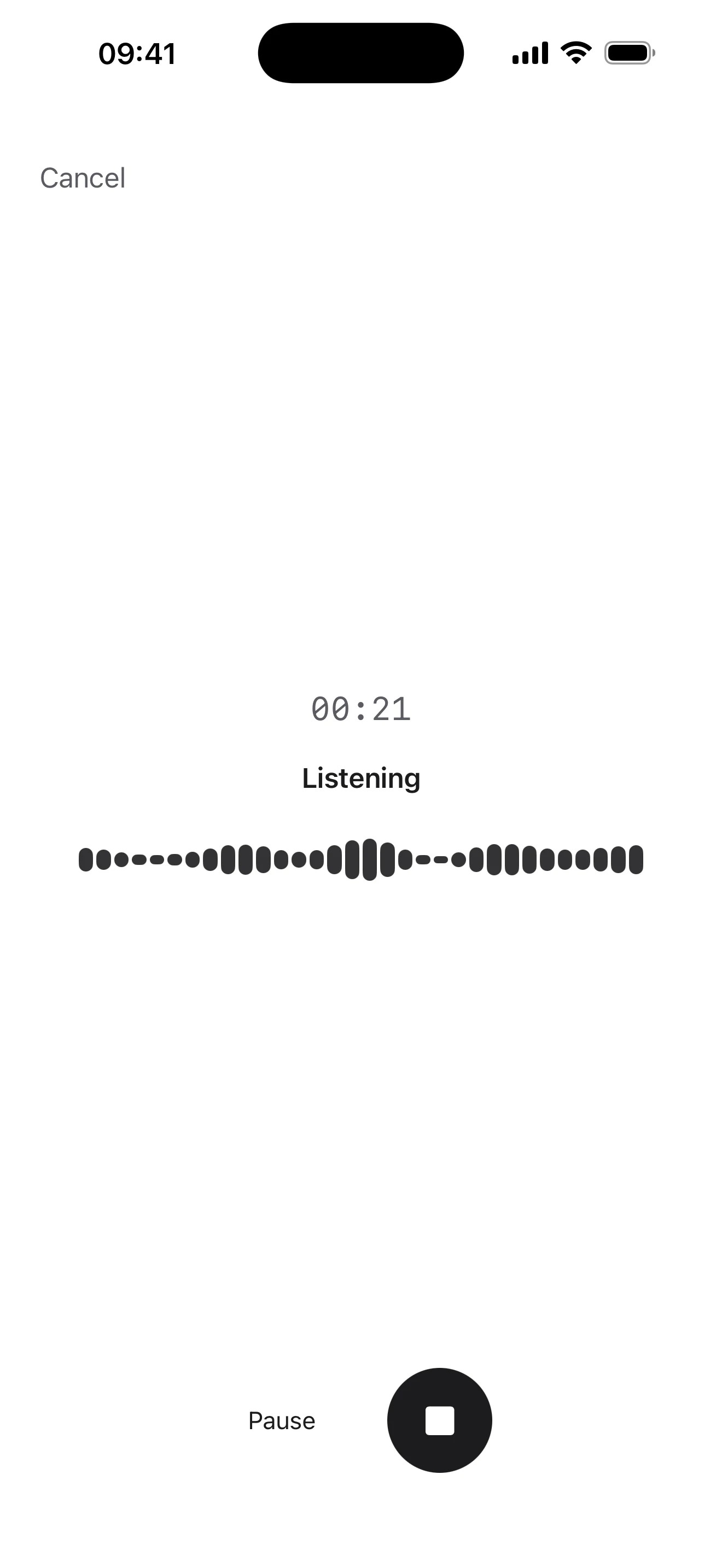
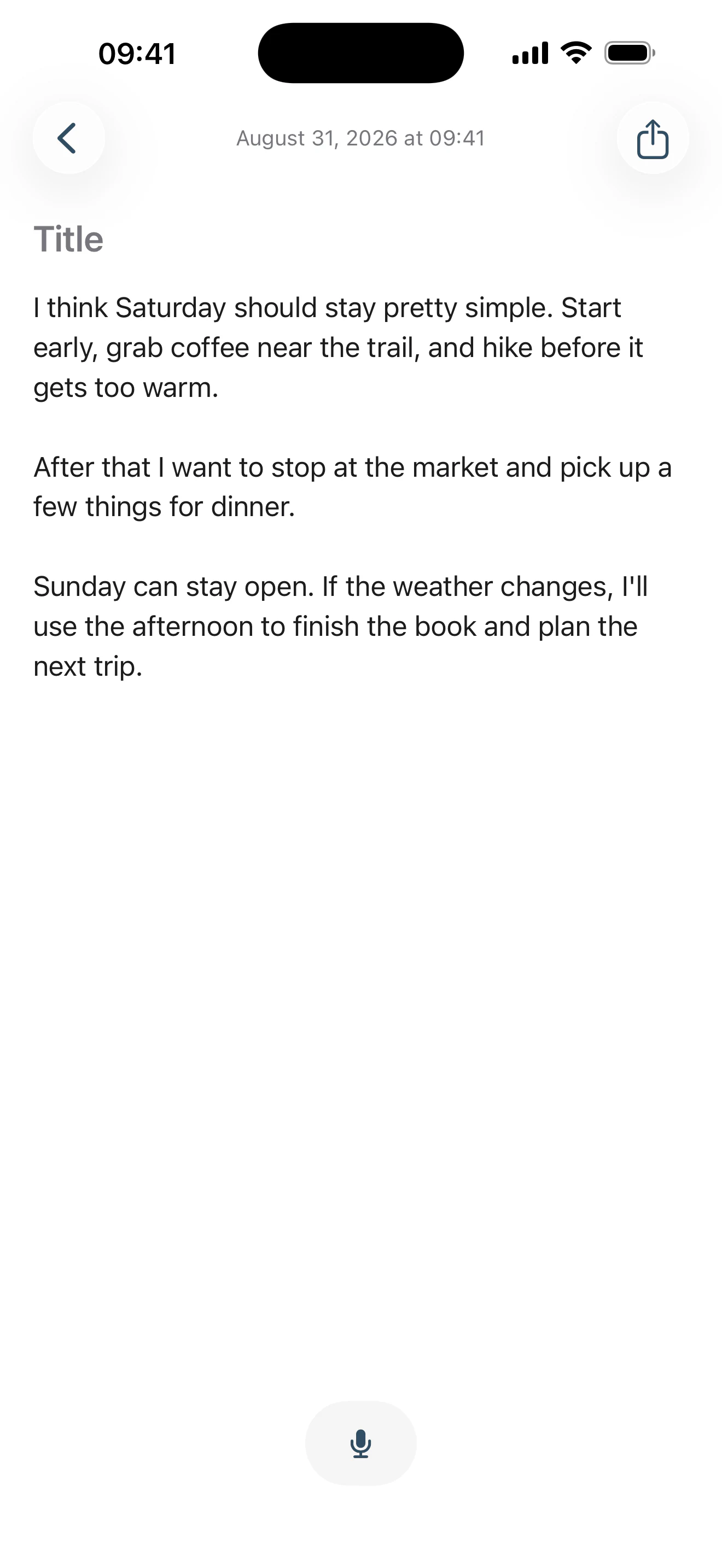
What comes back is a note — not a recording in a list, not a transcript screen to visit. Add a title or leave it empty, edit it like anything else you typed. Speaking inside a note works the same way: put the cursor where the thought belongs, tap the mic on the writing toolbar, and your words land there.
Pause. Think. Keep going.
Stop for as long as you need and pick the same recording back up — it stays one continuous recording, and only the time you were actually speaking counts. And you never choose a language before you start: speak in one, switch in the middle of a sentence, or mix them the way you normally do.
- Pause & resume
- Stop mid-thought and pick the same recording back up.
- No language picker
- Nothing to choose before you start talking.
- Switch naturally
- Move between languages inside one sentence.
- No forced translation
- Your words come back in the language you used.
Multilingual and mixed-language voice is tested before every release. Accuracy varies with the language, the accent, the recording conditions, and how the speech is mixed.
Explore voice →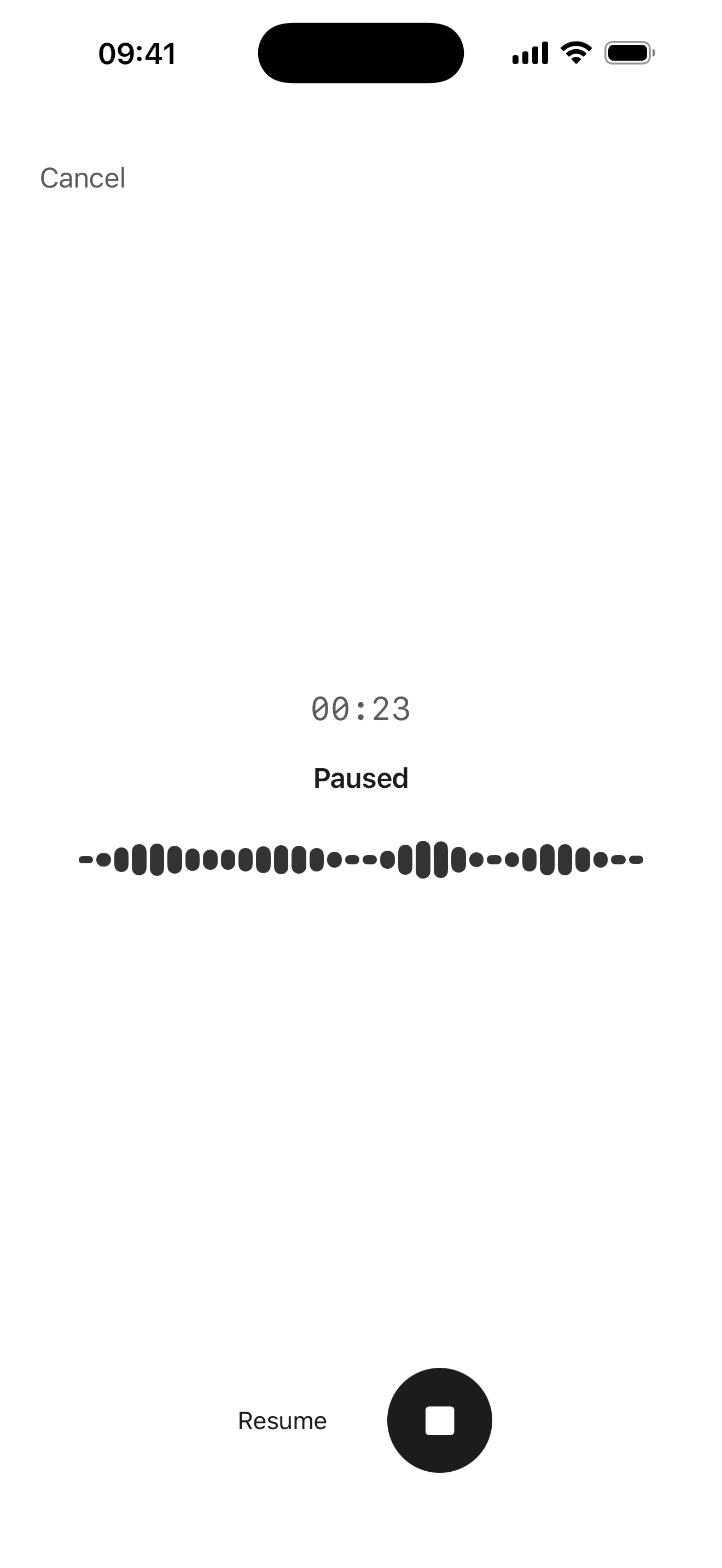
Structure when you need it.
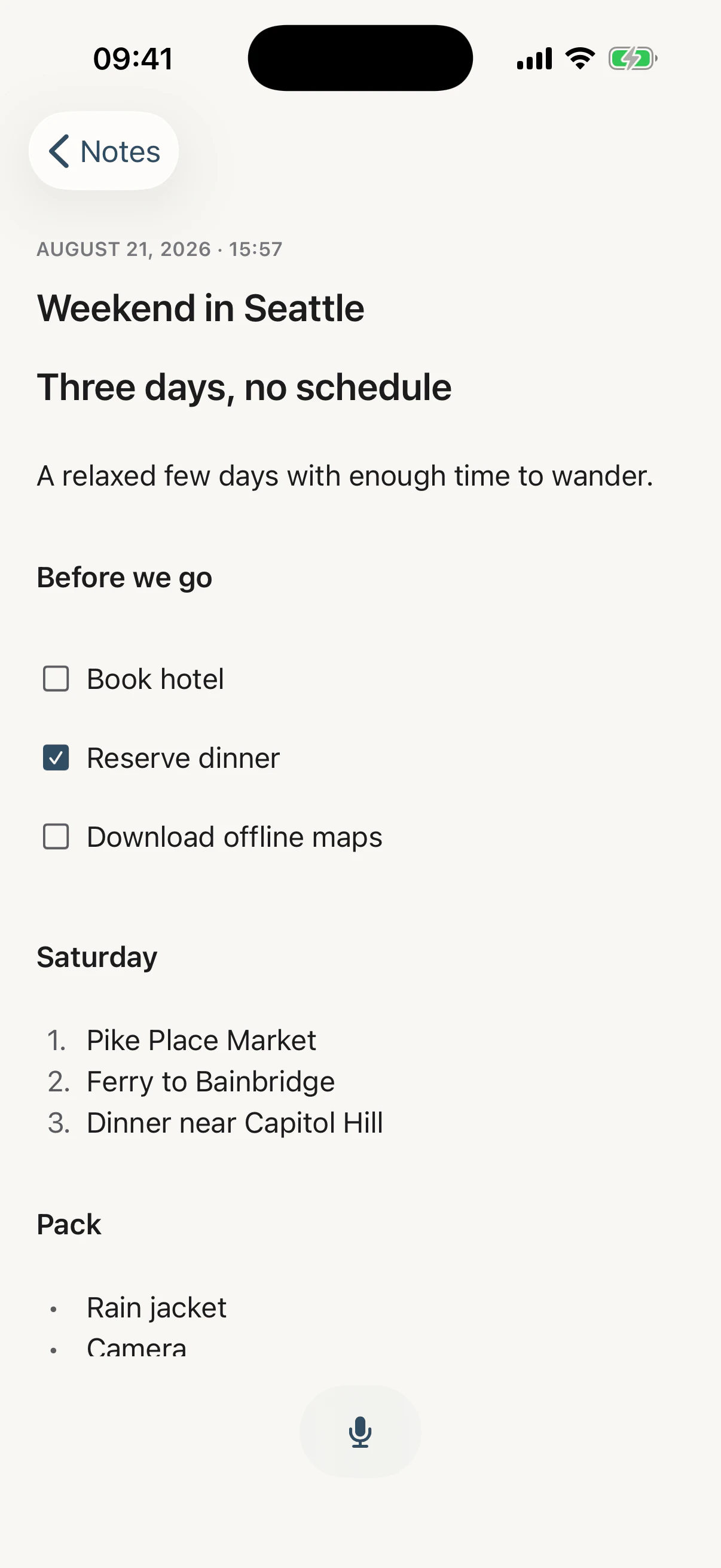
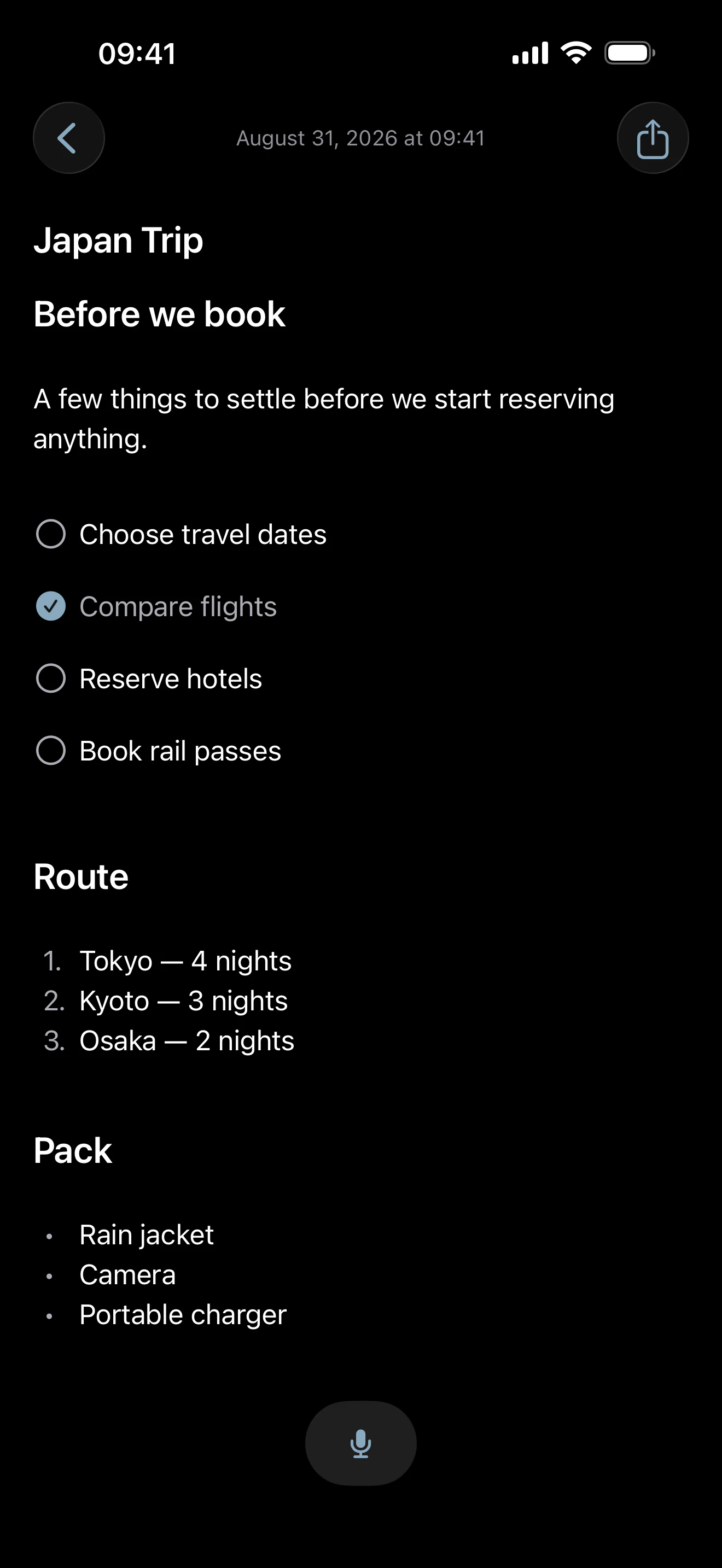
Headings, lists and checklists come from a small writing toolbar that sits just above the keyboard — As Told's own, not a row bolted onto Apple's. A note can stay a paragraph, or become a plan with a route, a packing list and things to tick off, and it still reads like a note.
- Headings & lists
- Aa for Heading and Subheading; bullets and numbers one tap each.
- Checklists
- A circle beside the line. Tick it in place; it stays where you put it.
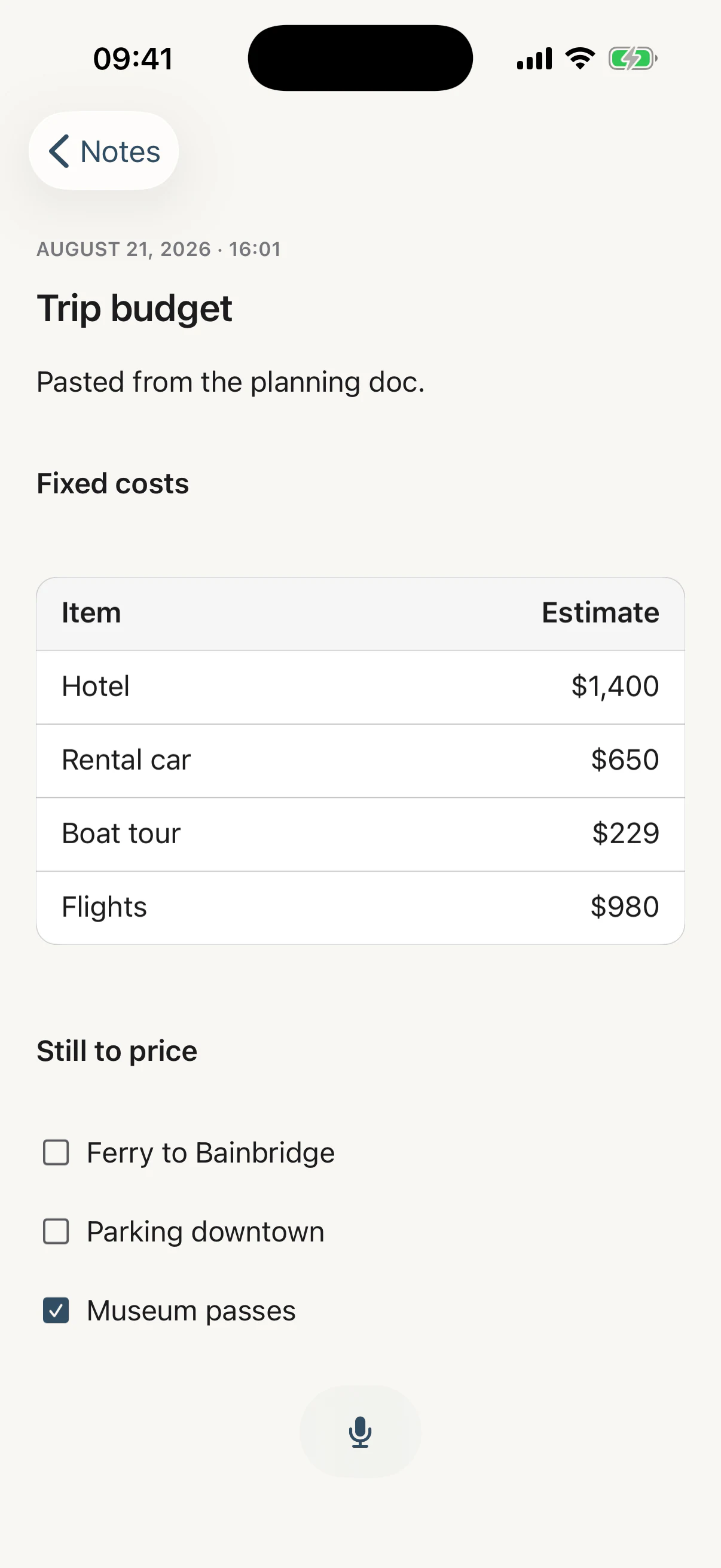
- Links & tables
- A pasted table stays a table; a link stays tappable.
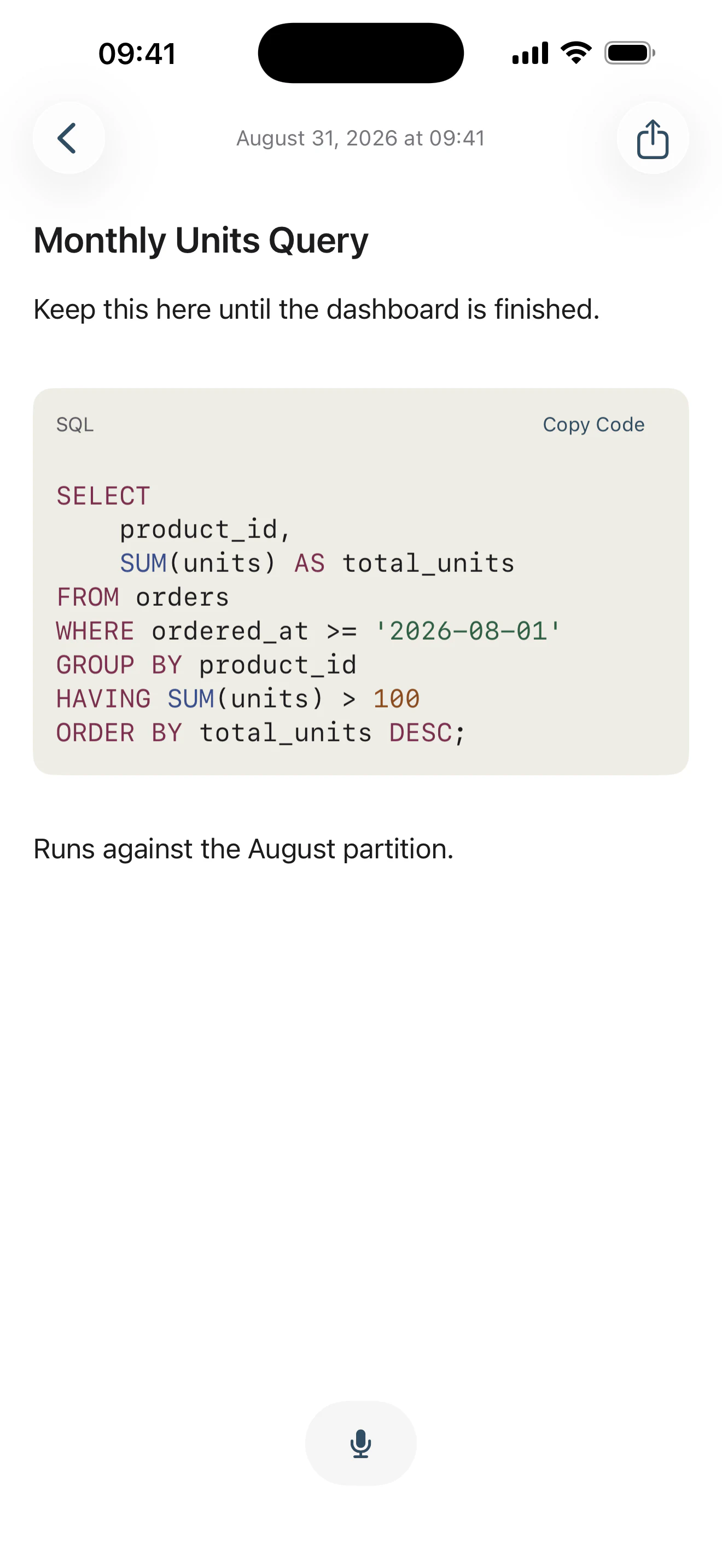
- Code blocks
- Monospaced, syntax-coloured, and yours to edit.
No block picker. No database. No setup. No bold, italic or font menu either — and the last two shapes arrive with your text rather than from a button, because a table and a block of code are things you bring, not styles you apply.
Paste it. Keep the useful structure.
Copy a plan out of a chat, a table out of a browser, a query out of a terminal. When the clipboard says what those lines were, As Told keeps every shape it has a place for — headings, paragraph breaks, lists, checklists you can still tick, tables as tables, links still tappable.
Bold, italic, colours and page layout have nowhere to go in a note, so they simplify to text. Plain text arrives exactly as it was — nothing is inferred from it, and your words are never rewritten because you pasted them.
Code that still looks like code.
A fenced block arrives as a card: monospaced, indented exactly as it was written, syntax-coloured, with the language named and Copy Code in the corner. Long lines scroll instead of wrapping into nonsense, and you keep writing prose around it.
No console, no compiler, no autocomplete, no linting. As Told does not run your code — it just refuses to destroy it.
Find what you wrote, by day.
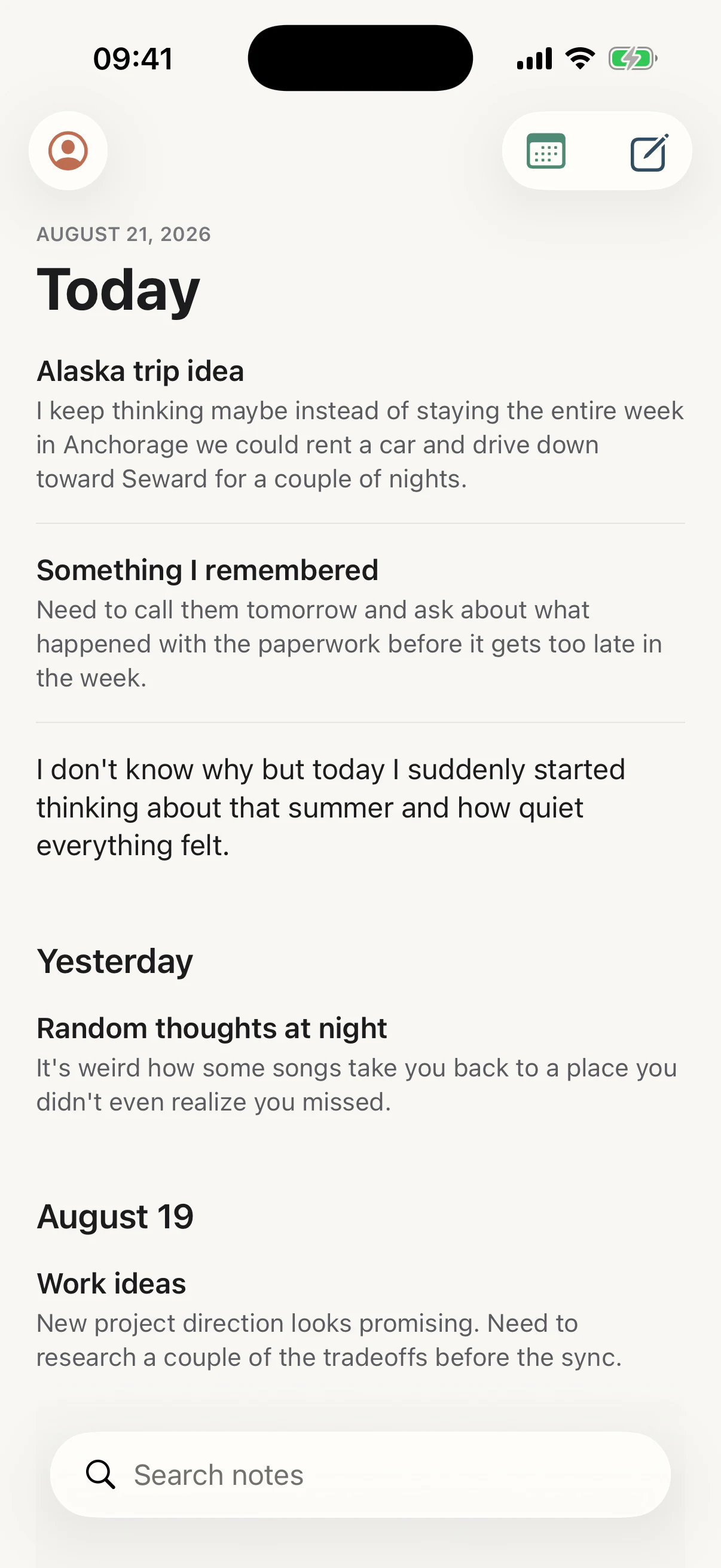
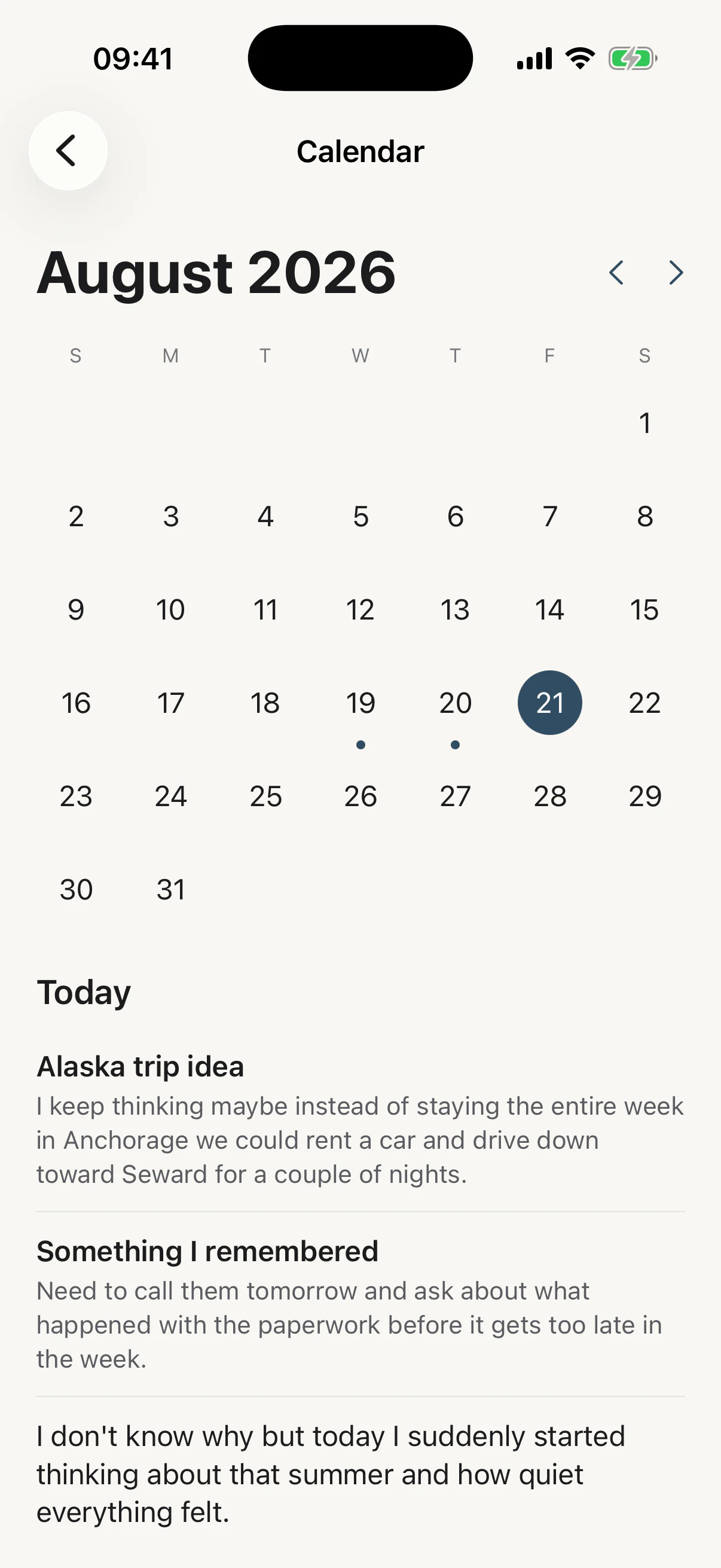
Home keeps the recent days in view — Today, then the previous seven. The calendar takes you further back by the day you wrote something, not by the folder you should have filed it in: a dot for a day with notes, more for a busier one, and the day's notes right under the month when you tap it.
- Search, when you remember a word.
- The calendar, when you remember the day.
- No folders, no tags, nothing to keep tidy.
Yours, day or night.
Your words shouldn't disappear.
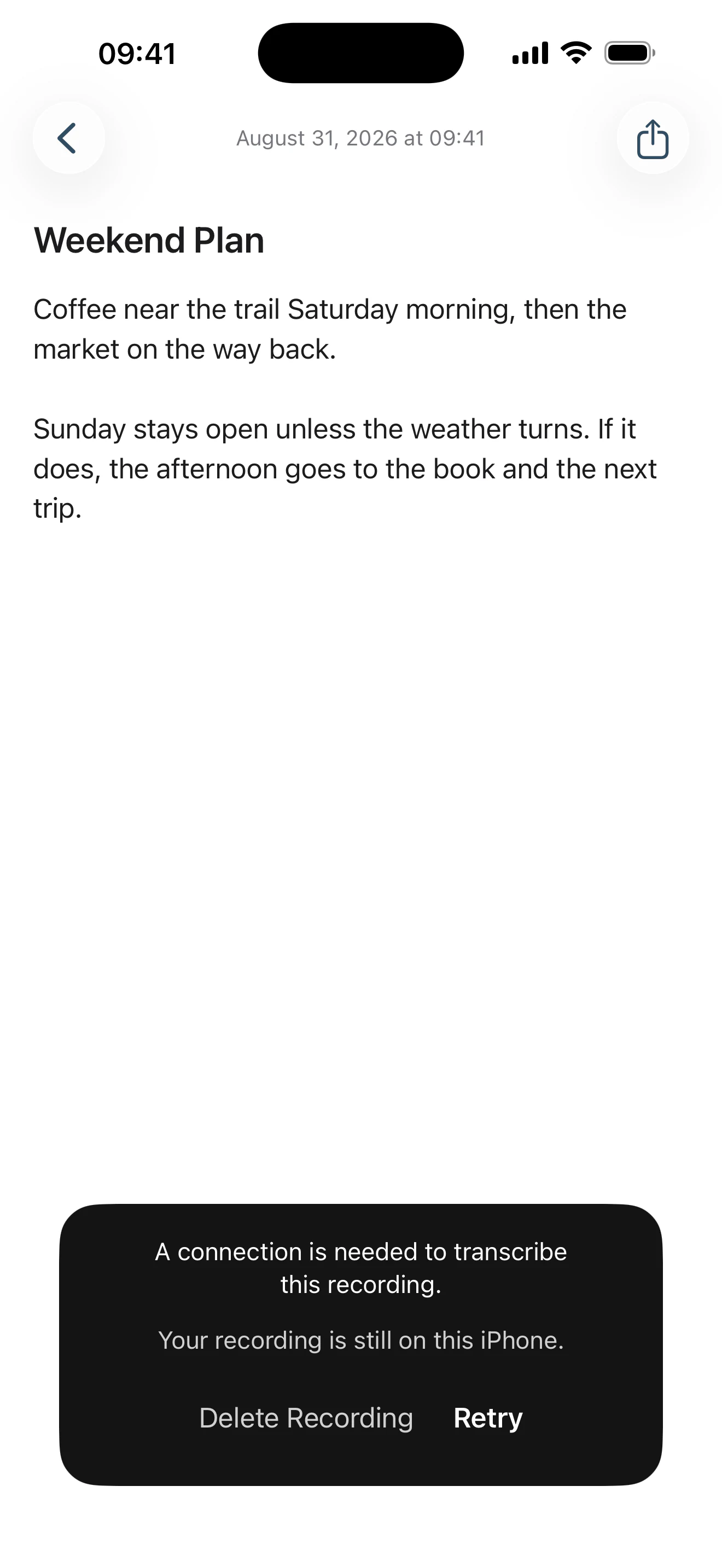
A call, Siri, leaving the note or locking the phone finishes a recording rather than throwing it away. And if transcription fails — a dropped connection, a lift with no signal — As Told keeps the recording on your iPhone and offers Retry, instead of losing what you already said.
Nothing is uploaded in the background while it waits. A recording kept for a retry is removed within 24 hours whether you come back to it or not — and there is still no recordings library and nothing to manage.
When a note needs to leave.
Tap Share and iOS takes over. A note can go to whichever apps and services are already available on your iPhone — with its formatting where the destination can take it, and plain text everywhere else.
It is the iPhone’s own sheet, not a menu of ours — no destination picker, no “export as”, no social buttons. As Told creates no link, hosts nothing, and keeps no record of what you sent or where it went.
Your notes are yours.
No sign-up, no cloud library of your writing, and one thing that leaves the phone — only when you ask for it.
- Your notes stay on your iPhone.
- No As Told account, ever.
- A recording is sent for transcription only after you say yes.
- Nothing else from the note goes with it — no title, no existing text.
- Audio kept for a retry is removed within 24 hours.
No ads, no analytics, and no third-party SDK of any kind. Nothing you write is used to build a profile of you.
Read our privacy policy →